3 min · 2026-09-09
How to create an AI wall art piece and order it as a print?
A practical guide to AI Studio: framing prompts, selecting aspect ratios for your room, and printing on premium cotton canvas or fine art paper.
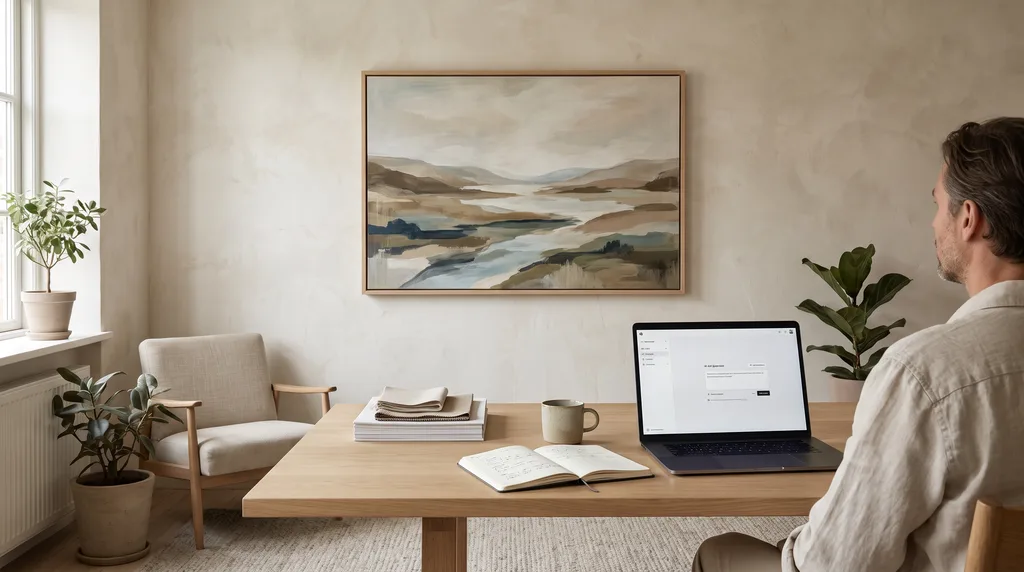
To create print-ready AI wall art, describe your desired mood, palette, and artistic medium in the prompt, then match the aspect ratio to your wall space. Studio AI automatically renders high-resolution artwork at 300 DPI, tailored directly for production on archival cotton canvas or framed fine-art cotton poster.
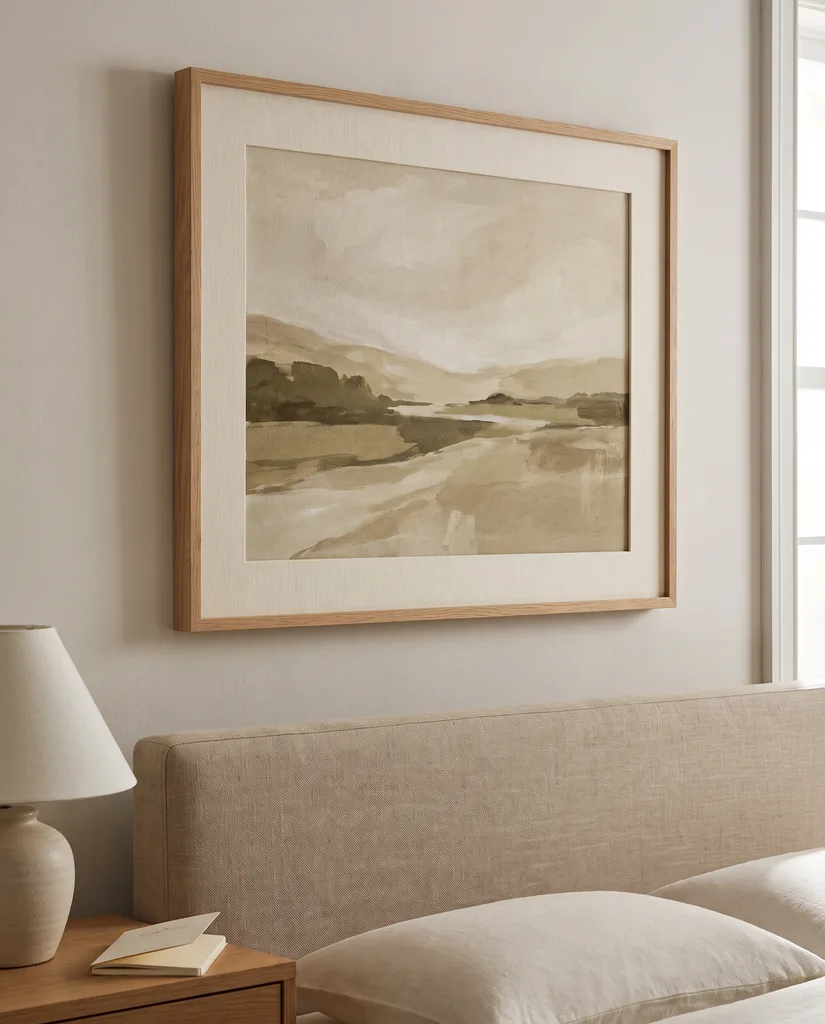
Focus your prompt on composition and dominant interior tones rather than excessive details. A phrase like "abstract misty landscape, warm beige and muted sage, textured oil painting technique" creates a calm, cohesive artwork. Limiting prompt modifiers keeps the visual balance clear and gallery-like.
Set your aspect ratio before generating: a vertical 3:4 or 2:3 ratio suits spaces above an 80–100 cm console table, while a horizontal 4:3 or 16:9 ratio works best above a 200–240 cm sofa, following the two-thirds furniture width rule.
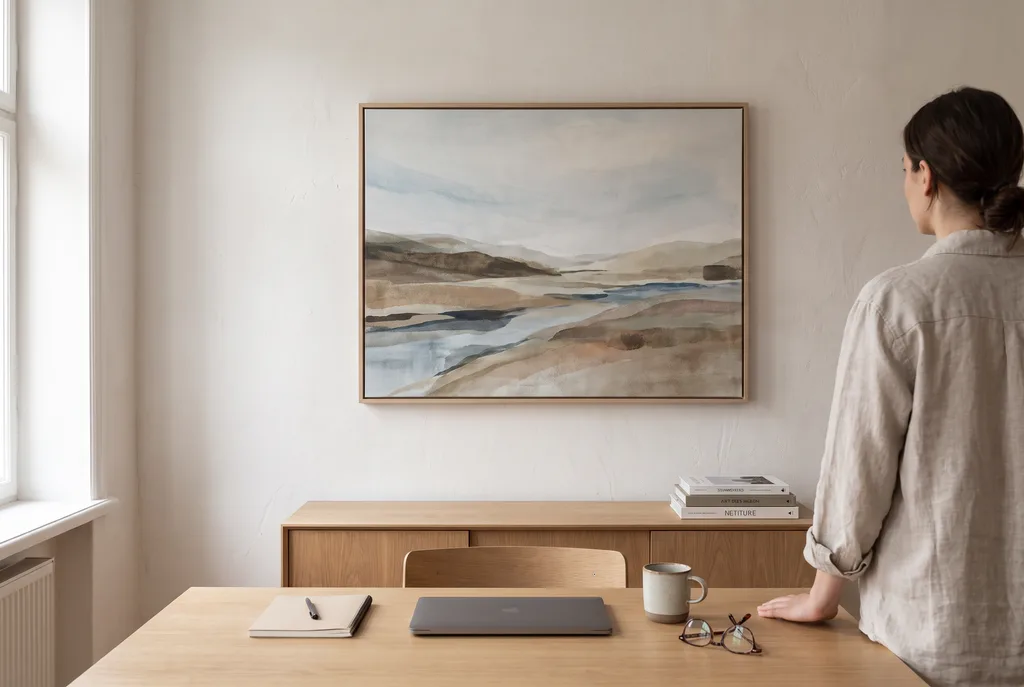
Once generated, choose between genuine cotton canvas stretched over a 2 cm or 4 cm wooden chassis, or a smooth cotton art print in an ayous wood frame with an optional 5 cm passe-partout. Start in gall.art Studio to turn your vision into a physical print.