3 min · 2026-09-29
How to create an AI artwork and order it as a wall print?
A practical guide to gall.art AI Studio: from prompt drafting and sizing to choosing cotton canvas or a framed fine art print.
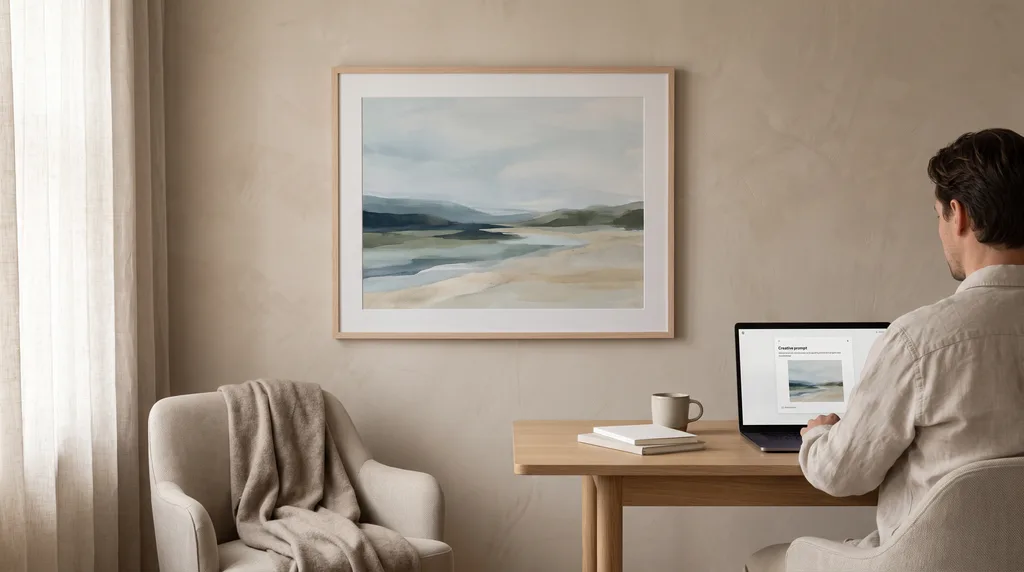
To create and order AI wall art, enter a prompt specifying style, lighting, and palette, select the aspect ratio suited to your wall, and choose your print finish: cotton canvas or a framed poster. gall.art renders the design in high print resolution, ensuring sharp details across standard gallery formats.
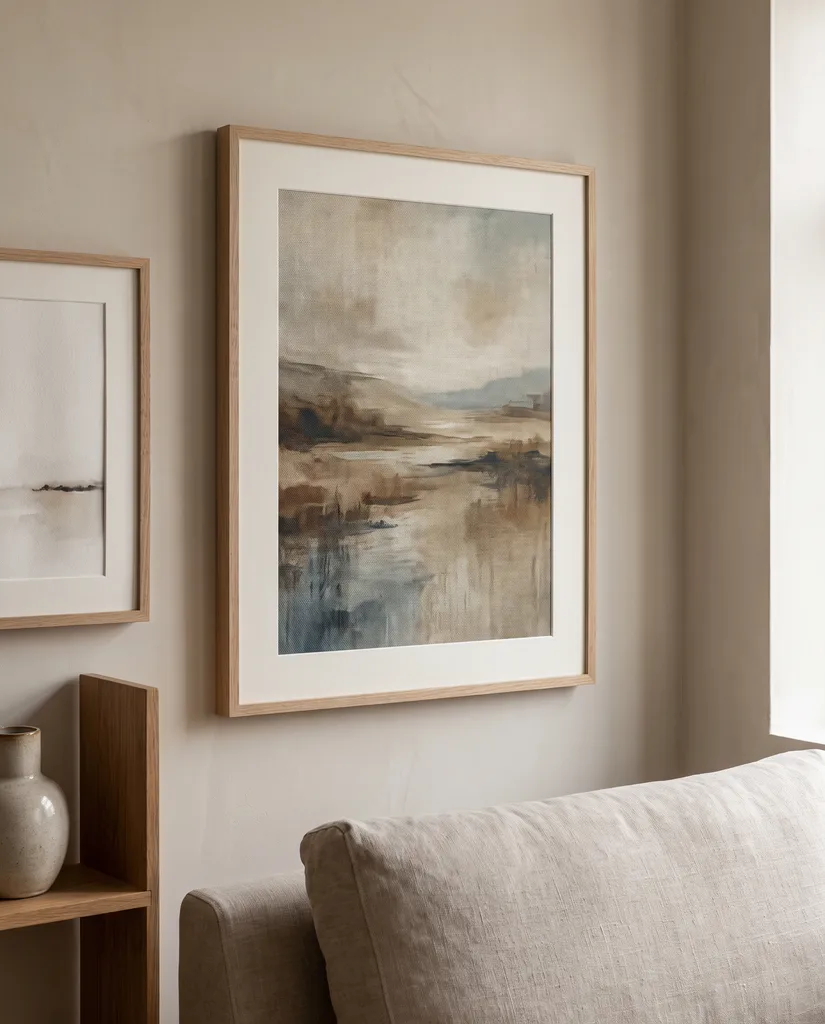
Set the framing before generating. For the wall above a 200 cm sofa, choose a horizontal 100×70 cm print or two vertical 50×70 cm prints spaced 5–8 cm apart. In your prompt, mention 2–3 accent colors from your room and specify the art medium, such as matte acrylic or textured gouache.
Match the material to the aesthetic. Rich painterly pieces work best on natural cotton canvas stretched over solid pine stretcher bars. Architectural sketches and delicate botanical prints look cleanest on fine art cotton paper beneath plexiglass in an ayous wood frame, bordered by a 5 cm passe-partout.
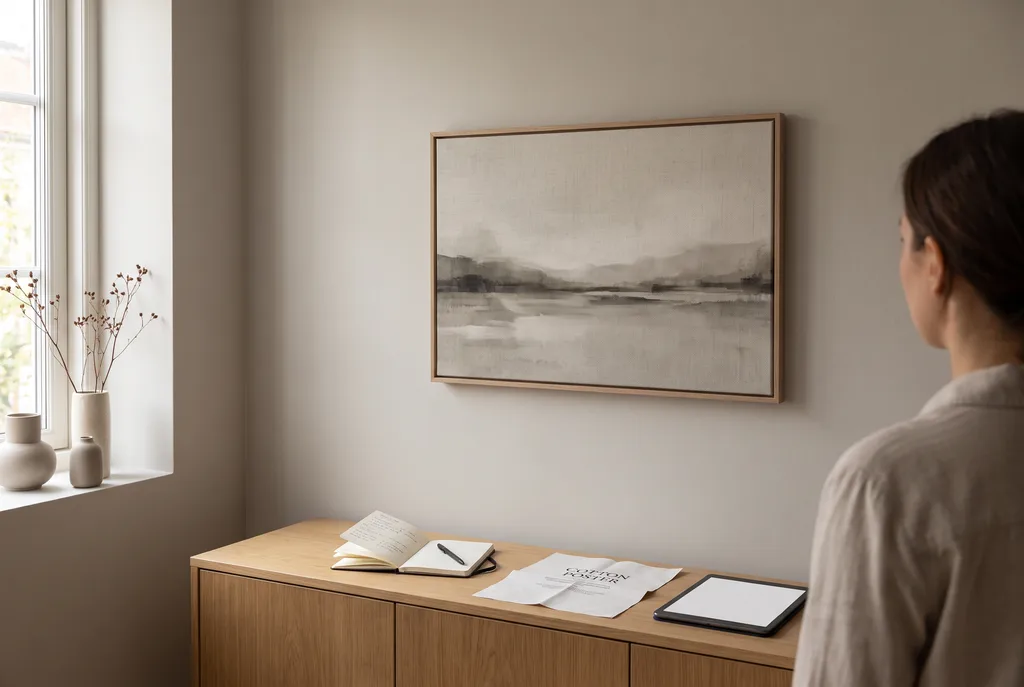
Create your custom motif in gall.art Studio AI, review the proportions against your room layout, and order a gallery-grade physical print delivered ready to hang.